Rippling Review (2026): US HR & Payroll Features, Pricing and Fit
Rippling centralizes workforce operations and payroll with deep automation, though custom enterprise pricing requires careful scoping.
- Best for
- Companies wanting unified HR and IT operations
- Main concern
- Enterprise pricing gating and onboarding complexity

How this was worked out
| Expert coverage | 0 / 3 |
|---|---|
| Official data | 2 / 2 |
| Owner discussions | 1 / 1 |
| Agreement | 1 / 2 |
| Recency | 2 / 2 |
| Hands-on bonus | 0 |
| Total (max 10) | 6 |
9–10 Very high · 7–8 High · 5–6 Moderate · 3–4 Limited · 0–2 Insufficient. Fewer than two independent sources is always Insufficient.
How we researched this
- Sources reviewed
- 8
- Criteria evaluated
- 6
- Owner discussion pages consulted
- 3 Capterra · G2 · Trustpilot
- Used hands-on
- No
- Editorially checked
- Nov 2026
We don't claim hands-on testing unless we actually performed it.
Before You Buy
Consider it if
- You need unified employee management, payroll, and app provisioning in one stack
- You want automated onboarding that provisions laptops and accounts together
- You operate internationally and need automated localized payroll compliance
Skip it if
- You only need a simple, lightweight standalone task tracking board
- You lack administrative bandwidth to configure enterprise permissions
- You operate on a strictly zero-budget or free-tier software model
Product DNA
-
Country coverage and compliance · weight 25 75
Rippling offers global workforce capabilities, but country availability and compliance features vary by location.[4]
-
Cost per employee or contractor · weight 20 70
Core services start at $8 per employee per month; total cost varies with selected modules and quote-based pricing.[1]
-
Payroll accuracy and payments · weight 15 80
Payroll is a core Rippling capability, though this desk assessment does not independently verify every payment outcome.[4][1]
-
Ease of use · weight 15 75
Customer-review sources indicate broad capability with a learning curve for administrators and complex configurations.[6][7][8]
-
Support · weight 15 70
Customer feedback on support is mixed, with positive experiences alongside reports of slower or complex issue resolution.[6][7][8]
-
Benefits and contractor tools · weight 10 95
The platform overview documents integrated HR, benefits and workforce tools; regional availability still needs evaluation during procurement.[4]
Scored under methodology v1.0. BuyScore is the weighted average of these scores, using the hr & payroll weights shown. How we score hr & payroll
Editorial assessment: 76/100. Evidence confidence: Moderate. This is a desk-research assessment, rather than an in-product evaluation or a product certification. It reflects the sources checked on October 28, 2026.
What Rippling is
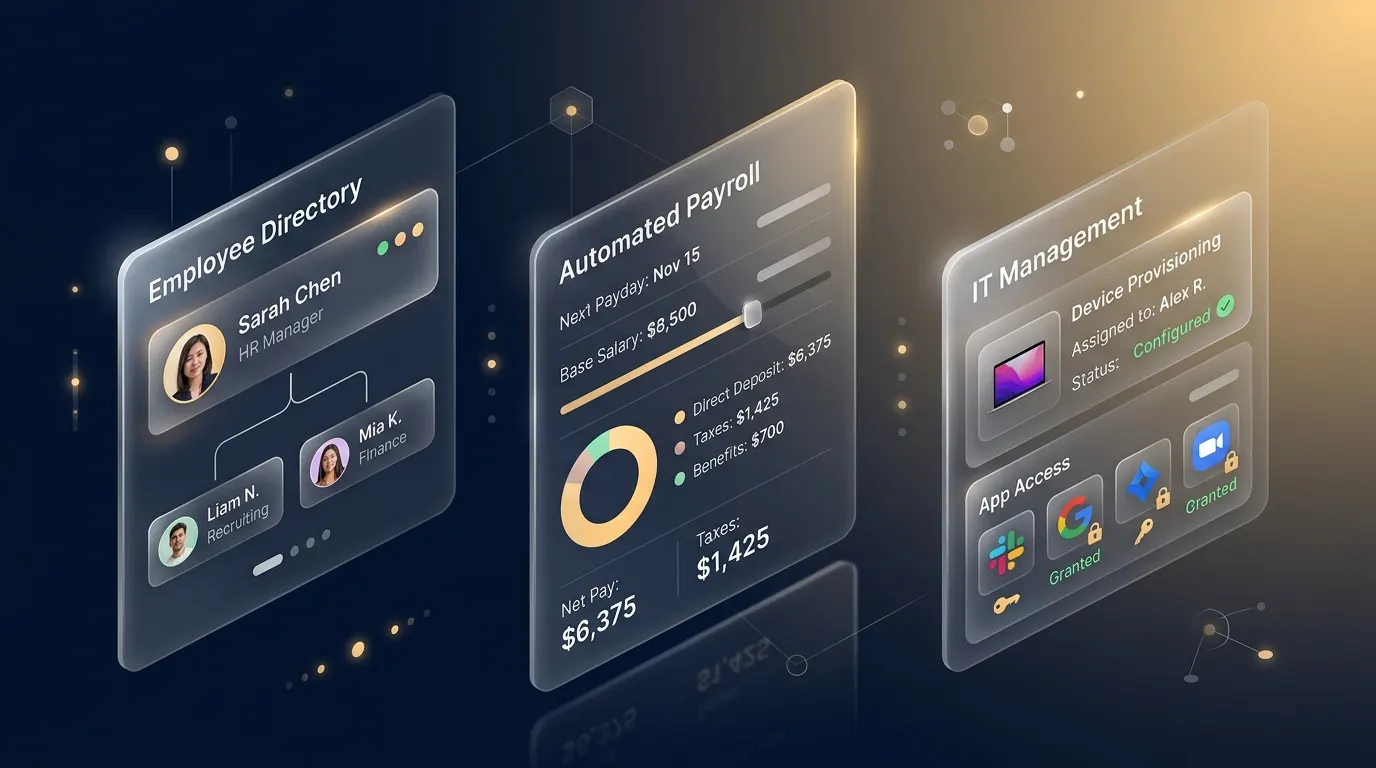
Rippling is a modular workforce platform for US businesses. Its product range spans HR, payroll, benefits administration, IT identity and device management, and finance tools. This review belongs in HR & payroll; it is not a project-management product.
Why it scores 76/100
- HR, payroll and IT breadth: 17/20. Rippling brings several workforce functions into a modular platform.
- Automation and integrations: 16/20. Rippling says its identity and access product connects with more than 600 integrations; treat that as a vendor claim and validate the integrations you need.
- Pricing transparency: 9/15. Public US plans start at $8 per employee per month plus a monthly base fee, but payroll and the total configured cost require a quote.
- Implementation and usability: 11/15. Independent editorial coverage points to broad capability alongside setup and configuration work.
- Security and administration: 12/15. Rippling’s Trust Center lists security and compliance materials, but buyers should request current documents and assess their own obligations.
- Independent market evidence: 11/15. We used independent editorial coverage and customer-review context, but did not use the service.
Pricing and buying considerations
Evaluating multi-seat workforce platforms requires budgeting beyond single-user headline rates. When modeling complete departmental stacks, our Interactive SaaS Team Cost Calculator lets finance leads project seat inflation and annual commitments across five-person to 20-person teams. Additionally, our 2026 Small-Team SaaS Cost Index benchmarks current per-seat trends across workforce tooling, while our research on What Annual Billing Actually Saves in SaaS highlights cashflow trade-offs when committing upfront vs. monthly.
| Evaluation Dimension | Rippling Structure | Gusto (Compare Breakdown) | Procurement Impact |
|---|---|---|---|
| Base Pricing | $8/employee/mo + custom platform base fee | $40–$49/mo base + $6–$12/employee/mo | Low entry seat cost, but total cost heavily depends on platform fee |
| Modularity | A la carte (HR, Payroll, IT, Benefits, Devices) | Bundled all-in or rigid tiers | Pay only for needed modules, but add-ons scale multi-line TCO |
| IT & Identity | Native SSO, app provisioning, device tracking | Separate third-party IT stack required | Consolidates software licenses if utilizing internal IT features |
| Score Context | 76/100 BuyScore (Moderate Confidence) | Category average benchmark | See How We Score SaaS Software for rubric details |
Rippling’s public pricing states that plans start at $8 per employee per month plus a monthly base fee. That is a starting point, not an all-in price: the modules, payroll scope, locations, benefits and implementation needs can change the quote. Ask for a written proposal covering the exact modules, payroll jurisdictions, implementation services, renewal terms and support level before comparing alternatives.
Best fit and trade-offs
- Consider it if: you want to evaluate a connected HR, US payroll and IT-admin stack; you can work through modular pricing; and you need to validate integrations and coverage for your locations.
- Skip it if: you need project-management software; you require simple public all-in pricing; or you need an in-product evaluation before buying.
What the sources say
Rippling describes its US Payroll product as handling payroll calculations, tax filings and related payroll tasks. Its benefits and IT product pages describe the surrounding module set. Tech.co and TechRadar provide independent editorial context; Capterra reviews are useful customer-feedback context, not a controlled study.
Sources checked
- Rippling pricing
- Rippling US Payroll
- Rippling benefits administration
- Rippling identity and access management
- Tech.co review
- TechRadar review
Method note: Prices, features and policies can change. Confirm terms directly with Rippling before purchase. This article contains no claim of first-hand product use.
Update history
-
BuyScore 84 → 76
Corrected category from project management to HR & payroll and reassessed against source-backed HR/payroll criteria. (methodology v1.0)
Sources
Evidence labels
- Primary source
- The maker's or vendor's own documentation, or an official safety or vulnerability database. It shows what that source states; it is not an independent check.
- Owner evidence
- Discussions by owners and users that we read in our research.
- Independent evidence
- An independent expert review, measurement, lab test or audit.
They say what kind of source supports a claim, not how strong it is or whether the claim is true. Price data and news are cited without a label.
- [1] Rippling Commercial Editions, Packaging & Pricing Matrix
- [2] Rippling Integrations Directory
- [3] Rippling Security and Data Protection
- [4] Rippling product and platform overview
- [5] Rippling system status and past incidents
- [6] Capterra Rippling customer reviews and ratings
- [7] G2 Rippling product reviews and ratings
- [8] Trustpilot Rippling customer reviews and ratings